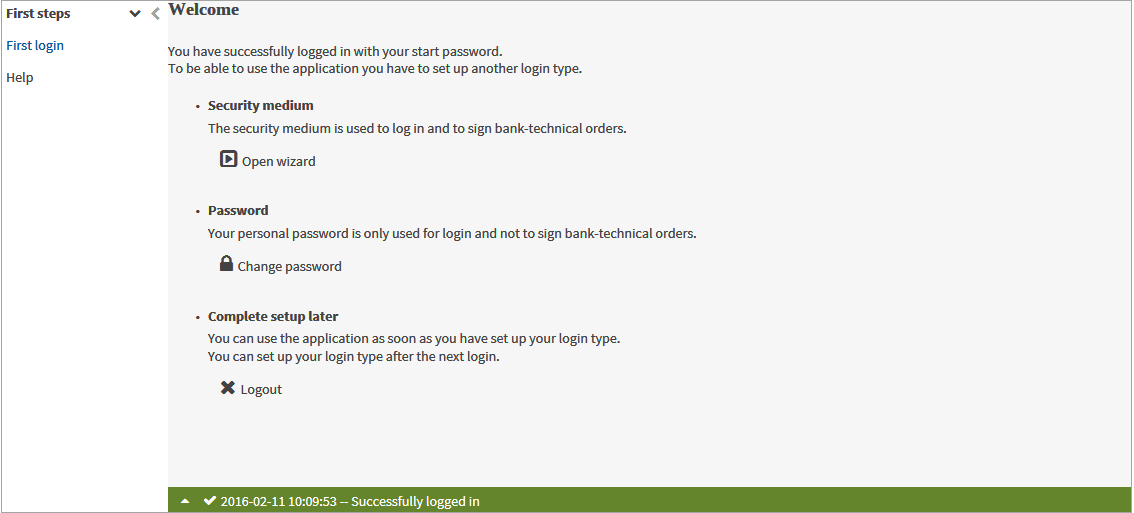
When you login to the application for the first time, you authenticate yourself using an ID and an initial password.
|
If you log in via single sign-on, you can skip steps 1-4 and go to step 5 of this section. |

You know the URL of the application.
You know your user ID and the start password for your user ID.
|
1. |
Enter the URL for the application in the address bar of the browser.
|
||||||||||||
|
2. |
Enter your user ID and confirm it with Continue. |
||||||||||||
|
3. |
Enter the start password that you were given together with the user ID for your first login. |
||||||||||||
|
4. |
Click on Next.
|
||||||||||||
|
5. |
Use the buttons to select the next action:
|
||||||||||||