|
If you log in via single sign-on, this section is not relevant for you. |

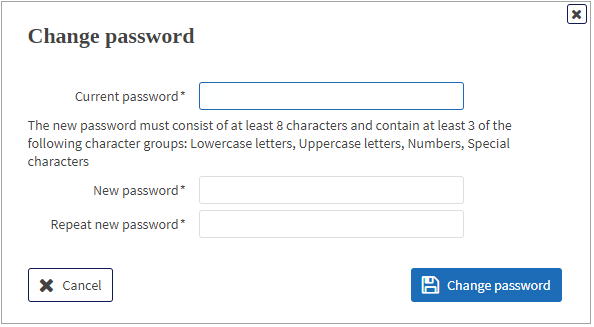
If you are using a password as the login type, you have to change your start password during the initialisation.
|
The login type with ID and password is not authorised for processing orders that require an electronic signature. To do that, you require a security medium (smartcard, key file, certificate file or security token). |
|
1. |
On the initial start page of the application, click on Go to password change. |
||||
|
|

|
||||
|
2. |
Follow the instructions in the mask.
|
||||
|
3. |
Click on Change password.
|
||||
|
4. |
Click on Go to application.
|