Configuring real-time notifications


This function is not part of the standard scope of the application.

Explanation

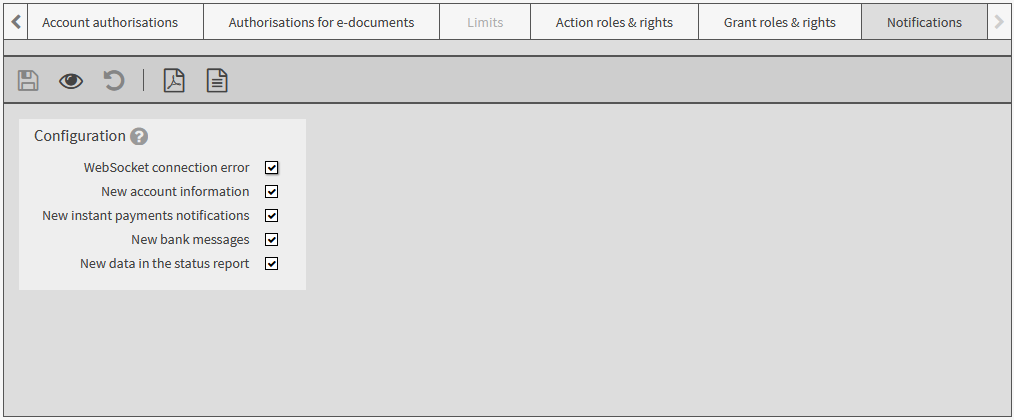
In your user settings, you can configure which messages you receive from your financial institution in real-time. By default, all possible messages are activated.

1.

Select Settings ➔ User settings, tab Notifications.

2.

Switch to edit mode.

3.

Activate the checkboxes of the information on which you want to be notified in real time.

Which information is available for selection depends on your authorisation.

4.

Save your input.

The application notifies you about incoming messages as follows:

The number of unread messages is displayed at the respective menu item.

If configured by your financial institution: notifications are interactively displayed in the workspace.